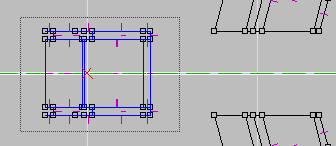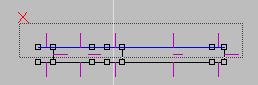
One frame is done. Now for the space between the frames.
We'll set it up so there's no pipes between the frames.
We'll copy what will be the inside faces of the frame, change where
the pipes would go, extrude, then delete the
faces we don't need. It may seem like we're not getting anywhere
fast but once we're done here things will snap
together quick and easy
Sctut03.orf from the zip file picks up here.
| In the Top View window change the grid to 100, mark the faces as shown to the right. | |
| Now to get rid of the pipe shape.
Go to the Front View and delete the small face from both the upper and lower pipe locations. |
Now remove the verts from both areas as shown. | Remember that when you Remove Vert From Current Face the vert is still there, it's just disconnected from the edge. Use Remove Extra Verts to delete them |
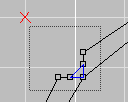 |
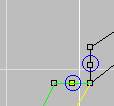 |
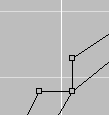 |
| Mark one of the back verts and move it half way to the the opposing vert as shown below. Since everything is still on grid it would be easy to just move the other vert to it. | You're here to learn so use Snap Marked Verts to Current Vert. Mark the vert to be moved. Make the other other face and the target vert current. | Now pick the Snap Marked Verts to Current tool  and get the results below. This tool moves the vert but you still
need to Remove Extra Verts so the edges are joined. Do this at both
pipe locations.
and get the results below. This tool moves the vert but you still
need to Remove Extra Verts so the edges are joined. Do this at both
pipe locations. |
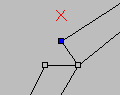 |
 |
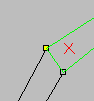 |
| The new portion of faces should look like below. Mark them and extrude up (in Top View) 40 units with normals pointing inward. | Mark and delete the faces I have circled and pointed to
below.
Marark the wall faces and texture them with LWwall. |
It should now look the example below. |
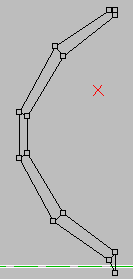 |
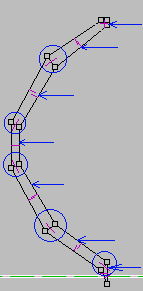 |
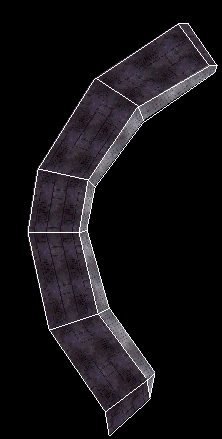 |
| To the right you see where we are so far.
Now mark the faces of the frame portion shown to the right and Copy (CTRL+C).
|
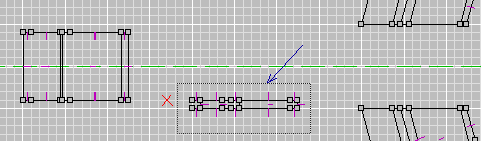 |
| Paste On Top then move the new faces up 45 units.
Unmark all (U). Mark the inner faces and delete them. |
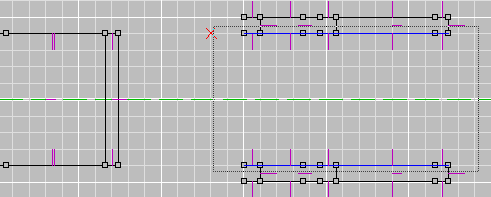 |
| You're room should look like mine to thee right.
Now we're ready to bring it snap it all together . |
 |
One way of making sure pieces are coming together properly is to check
for duplicate verts.
If the verts meet you get duplicate points. If the miss you don't.
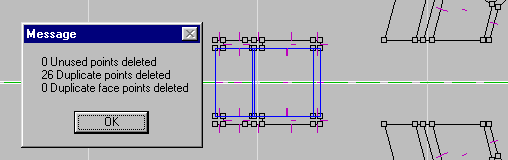
Hit Remove Extra verts so we know we're
starting with a clean slate.
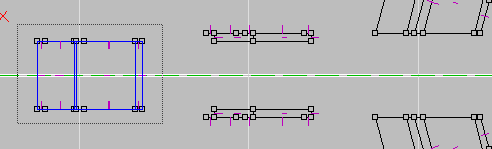
| First make the Top view active and set the grid
to 100.
Now mark the portion of faces I shown to left and move them to right
100 units (1 click)
|
 |
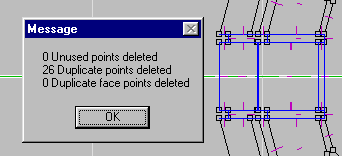
| Now Remove extra verts. As you can see to the right
all our verts meet up.
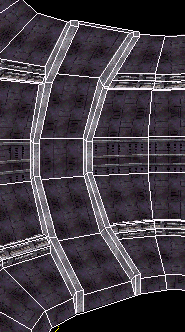
By using COPY in the previous steps we assured ourselves the verts would be layed out exactly the same. By using PASTE ON TOP then moving it we made sure everthing stayed aligned and would come together easily. |
 |
|
 |
On to the next page.
Back to Papacat's main page.