| Preparing an ORF:
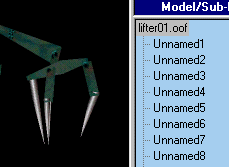
1) OOFEditor determines what faces make up individual sub-models based
on the connection of vertexes. This means if faces are connected
at vertexes the will all be part of the same sub-model. This makes
creating sub-models in D3Edit easy- just don't connect them. A good
example is the fins on my Hornet powerup. The Fins where built to
the side then placed by pushing them through the main body. None of the
fins' verts connect to the body's verts so when I open it in OOFEditor
I get a total of five sub-models. Don't worry- if you only want them
to be one model you can combine them in OOFEditor.
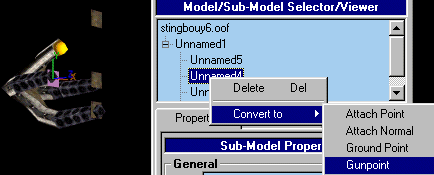
2) Make sure you add independent faces for each gunpoint, attach
point, glow, etc., that your oof will contain.
3) Make sure ALL your texturing and texture aligning is finished in D3Edit. 4) Center the model on 0,0,0 the way you want it in OOFEditor. This effects the object's wall collision radius. Don't worry if you forget to. You can always center it from inside OOFEditor. You can also adjust the size of the Radius once inside OOFEditor. |